
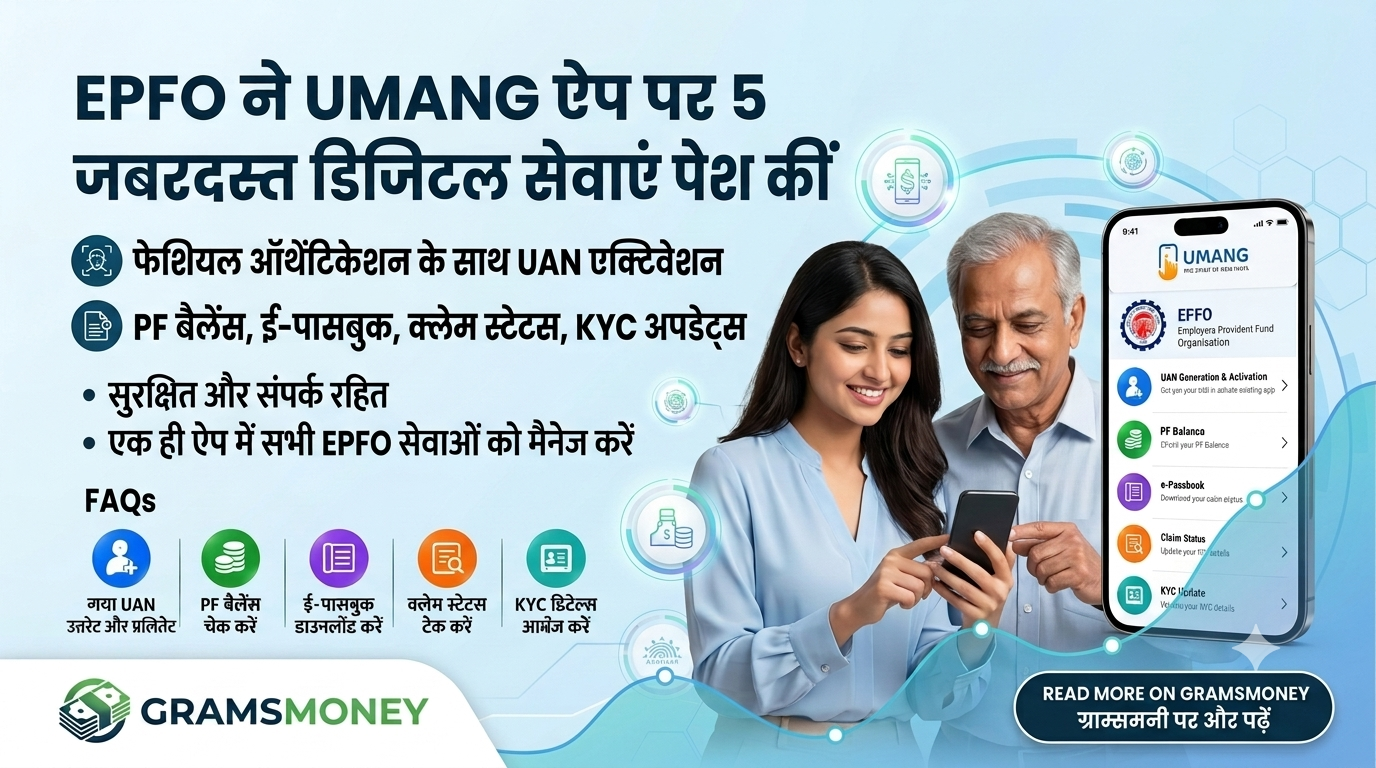
EPFO Introduces 5 New Digital Services on the UMANG App: Activate UAN via Face Scan & Download Passbook Instantly
Using the EPFO UMANG App, members can now access critical retirement and pension services directly from their smartphones. The Employees’ Provident Fund Organisation (EPFO) has integrated Aadhaar-based face authentication on the EPFO UMANG App platform, enabling salaried employees to generate and activate their Universal Account Number (UAN) instantly without physical visits or manual paperwork.
Key Highlights: What’s New on UMANG?
EPFO members can now access five core online services directly within the UMANG app:
-
Facial Recognition-Based UAN Allotment & Activation
Generate a new UAN or activate an existing one in seconds using Aadhaar Face RD technology.
-
Instant PF Passbook Downloads
Access and download complete e-passbooks anytime without web portal login delays.
-
Real-Time PF Balance Check
Check employer and employee contribution balances at a glance.
-
Live Claim Status Tracking
Track the real-time processing status of PF advance, transfer, or final settlement claims.
-
Seamless KYC Updates
Update demographic details, photographs, and key KYC credentials securely via Aadhaar integration.
Step-by-Step: How to Generate and Activate UAN via Face Scan
-
Install Prerequisites: Ensure you have both the UMANG app and the official Aadhaar Face RD app installed on your smartphone (available on Android and iOS).
-
Navigate to EPFO Services: Open UMANG, search for EPFO, and select UAN Allotment & Activation (or UAN Activation if you already have a number).
-
Enter Details: Provide your Aadhaar number and registered mobile number, and complete the OTP verification.
-
Face Authentication: The app will automatically prompt the Aadhaar Face RD scanner. Look into your phone’s front camera to complete the biometric verification.
-
Confirmation: Once authenticated, your UAN will be generated/activated instantly, and login credentials will be dispatched via SMS.
Frequently Asked Questions (FAQs)
-
Is the Aadhaar Face RD app mandatory?
Yes. The face scan feature relies on UIDAI’s Face RD API to authenticate biometric identity securely.
-
Does my mobile number need to be linked with Aadhaar?
Yes. OTP delivery and identity matching require an active mobile number linked to your Aadhaar profile.
-
Can existing active UAN holders use this feature?
Yes. Existing members can use the face-scan tool to update their photograph, address, and KYC details on the EPFO database.
